How to Make a Zero-Based Budget in a Spreadsheet
A zero-based budget means income minus everything you plan to spend, save or put toward debt equals zero. That doesn't mean spending everything. It means every dollar has a job before the month starts, including savings.
1. Start with the income you'll actually get
Use take-home pay, not salary. If your income varies, use a cautious figure (such as your lowest recent month) and treat anything extra as a bonus to assign once it arrives.
2. Set up four columns
Category, Planned, Actual, Difference (Planned minus Actual). Add a row at the bottom: Income minus total Planned. That number should be 0. If it's positive, assign the leftover; if it's negative, cut somewhere.
3. List categories in this order
- Essentials: housing, utilities, groceries, transport, insurance.
- Minimum debt payments.
- Savings and irregular costs (car repairs, gifts, annual bills split into monthly amounts).
- Extra debt payments.
- Everything else.
4. Track actuals weekly
Enter what you really spent once a week. Waiting until the end of the month is when budgets get abandoned.
5. When you overspend a category
Move money from another category so the total still balances. That's the point of the method: the trade-off is visible, rather than discovered later on a card statement.
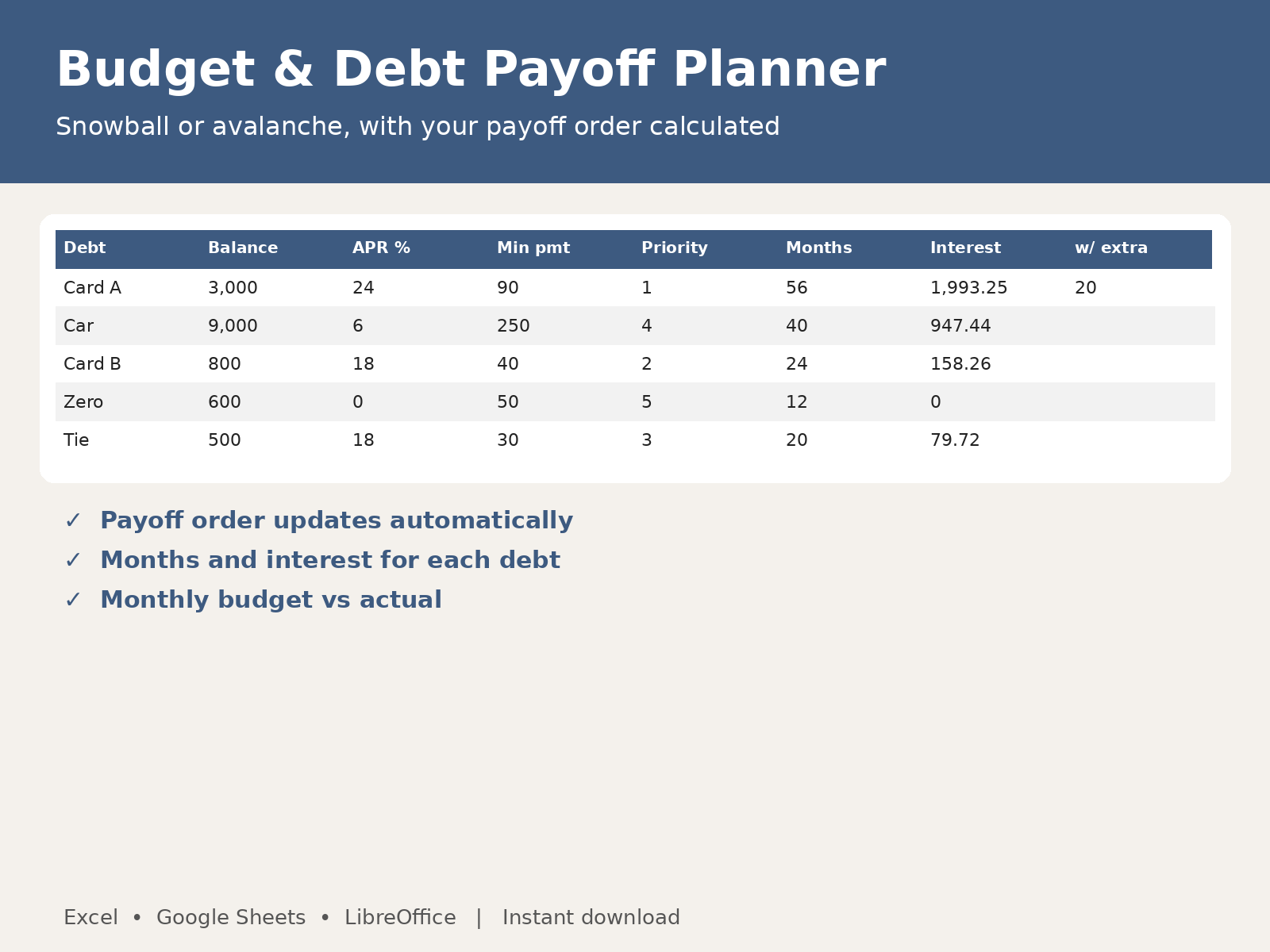
Budget & Debt Payoff Planner: do this math automatically in Excel or Google Sheets.
See the Budget & Debt Payoff Planner